A focused, practical introduction in one session. Supplied comprehensive Student Workbook and resources.
ONE-TO-ONE
Learn at your pace using our dedicated learning platform, with room for questions and instruction via Zoom with our instructor.
LIVE VIA ZOOM
Join our instructor remotely using your computer, laptop, or smartphone.
THE ESSENTIALS
Build confidence behind the camera
A clear introduction to the skills that make smartphone video look and sound better. Your session can be tailored to your phone and interests.
01 · Camera setup
Set resolution and frame rate, understand video quality, and get comfortable with your camera app.
02 · Exposure & focus
Learn how brightness, exposure, focus and white balance influence your picture.
03 · Composition
Frame more interesting shots using shot sizes, simple camera angles and visual balance.
04 · Steadier filming
Reduce distracting movement and explore simple tripod and stabilisation techniques.
05 · Light & sound
Make natural light work for you and improve voice and environmental sound.
06 · Shoot a sequence
Use a short practical exercise to combine several shots into a video story.
HOW YOU WILL LEARN
Learn by doing, not just watching
Follow along on your own smartphone during a live, one-to-one Zoom session. Ask questions, test camera settings, practise framing and review results as you go.
The focus is practical understanding—why a technique works, and when to use it.
Get beyond point-and-shoot and understand the basic controls.
Small businesses
Start creating clearer promotional, product and social media videos.
Community & family
Make more engaging videos for community projects or personal memories.
LEARN FROM EXPERIENCE
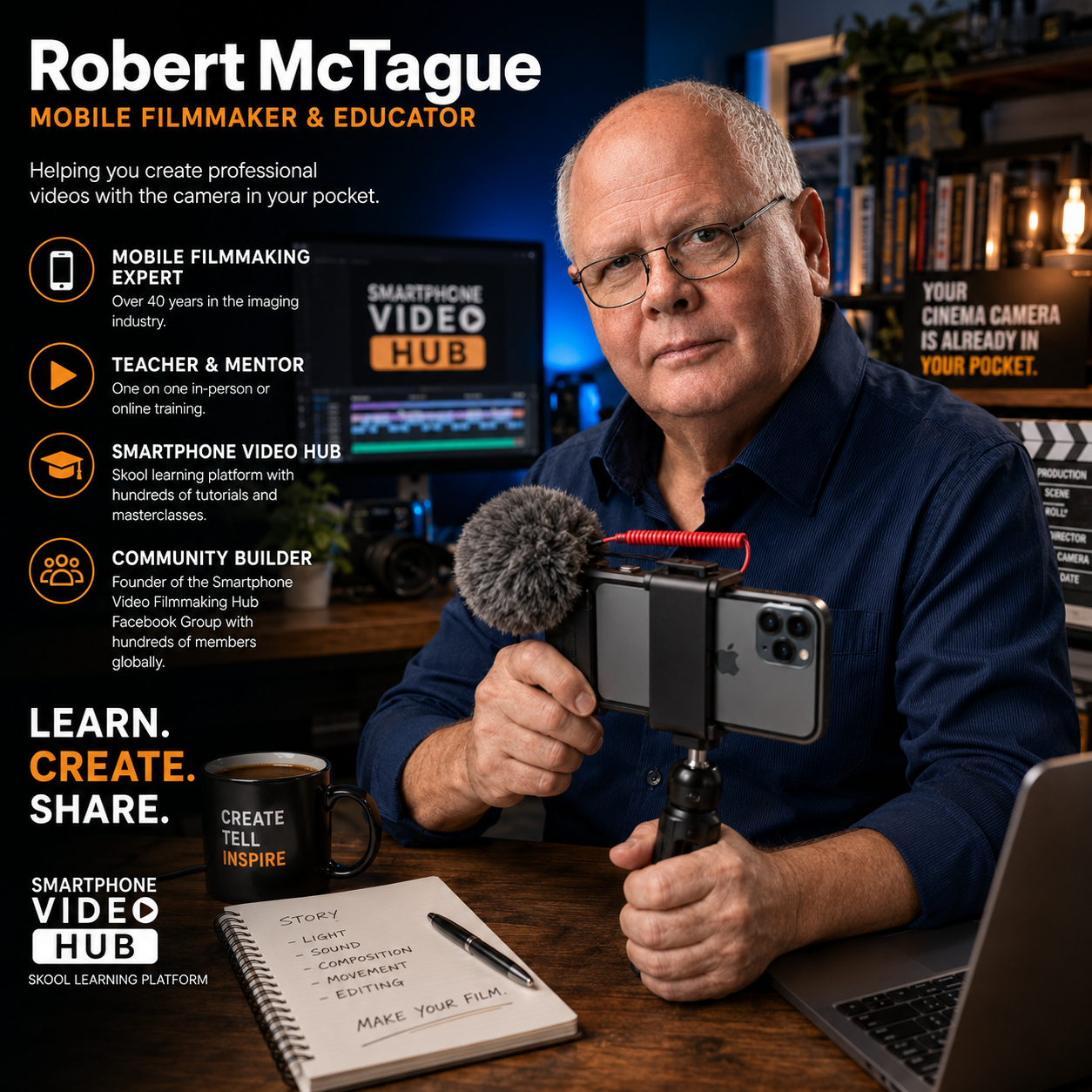
Friendly guidance, backed by 40+ years in the imaging industry.
GCTV Media brings decades of experience in photography and video production to practical smartphone filmmaking instruction. We adapt the pace to your goals and equipment.