Smartphone Video Introduction – 3 Hour Course
Categories: Smartphone Video
Share

About Course

Discover how to get more from the video camera you already carry in your pocket.

Smartphone Video Introduction is a personalised, one-to-one online course designed to give beginners a practical understanding of smartphone video.

During this three-hour live training session, you will learn how to set up your smartphone for better video, understand essential camera settings, improve composition and camera movement, capture better sound, work with available light, and begin creating more professional-looking videos.

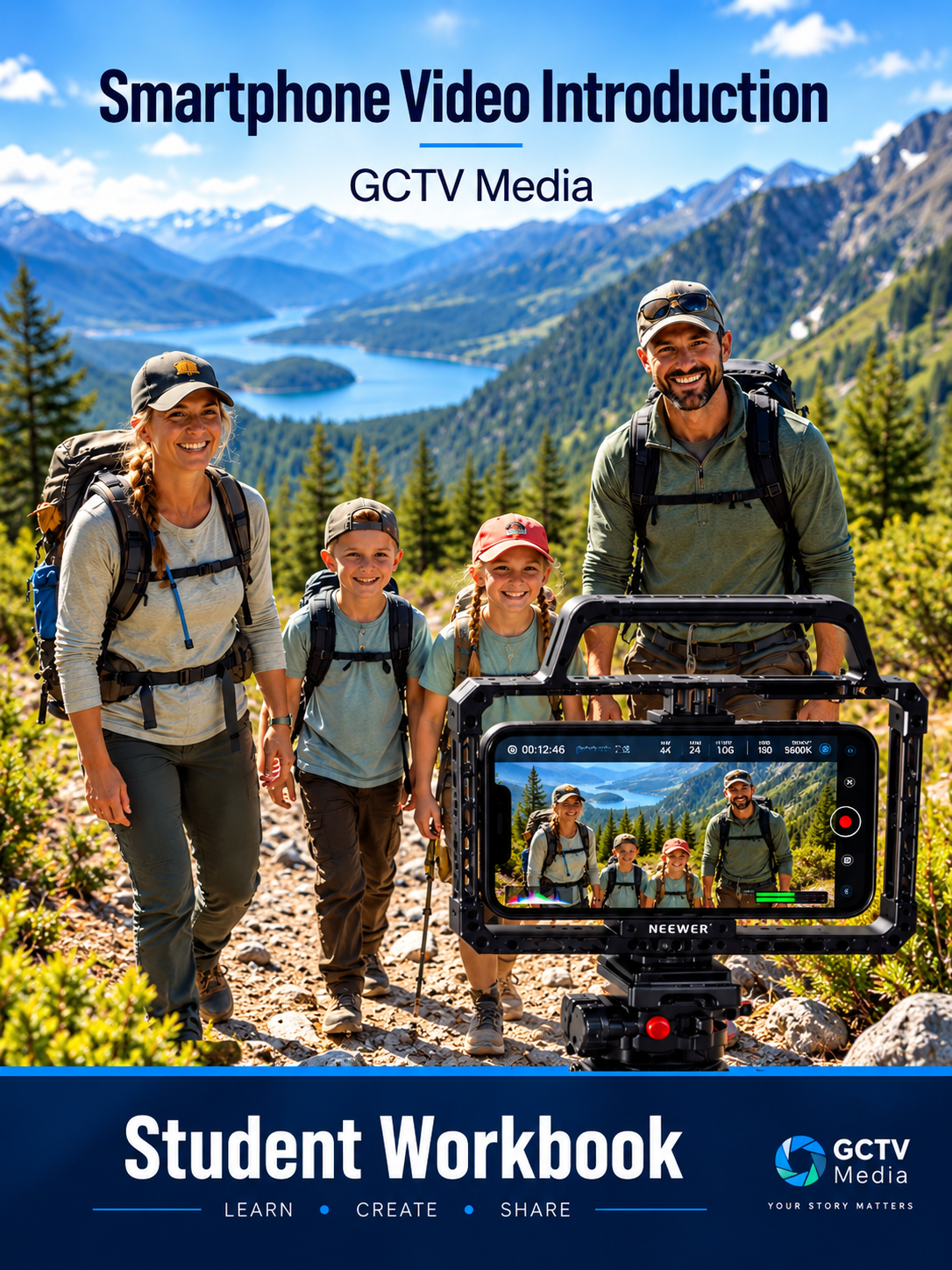
The course is personalised to your smartphone, experience and individual goals. You’ll receive a Student Workbook to use during the course and as a reference afterwards.

Delivery: One-to-one online tuition
Duration: 3 hours
Level: Beginner
Format: Live personalised instruction with supporting  resources

Show More

Course Content

Welcome & Getting Started
Welcome to the Course How the Course Works Download Your Student Workbook

  • Welcome to your personalised Smartphone Video Introduction course.
  • BLACKMAGIC CAMERA APP

Understanding Your Smartphone Camera
Your smartphone camera is a powerful filmmaking tool. Understanding how its different lenses, settings and controls work allows you to make better creative decisions rather than simply relying on automatic settings. In this session, we'll look at camera lenses and when to use them, resolution and 4K recording, frame rates such as 24fps, 30fps and 60fps, focus and exposure, white balance, image stabilisation, and the differences between using your phone's standard camera and a professional camera app. You'll also be introduced to the Blackmagic Camera App, exploring its interface and key features, and learn the difference between Auto and Manual shooting, including basic control of ISO, shutter speed, white balance, focus and exposure. The aim is to give you a practical understanding of your camera so you can make informed choices and start creating better-looking, more consistent video

Creating Better-Looking Video
Composition Camera Angles Shot Sizes Shot Types Light Lighting Basics

Sound, Stability & Movement
Recording Better Audio Handheld Filming Tripods & Supports Gimbals & Camera Movement

Apps, Accessories & Filming
Camera Apps Blackmagic camera App Useful Accessories Planning Your Video Practical Filming Exercise

Where to Go From Here
Review & Key Takeaways Your Next Video Project Further Learning