
If you have arrived here, you have successfully booked your course and selected dates / Times.
Below you will find more details for your course and associated resources, including a download link to your course Workbook.
Your instructor
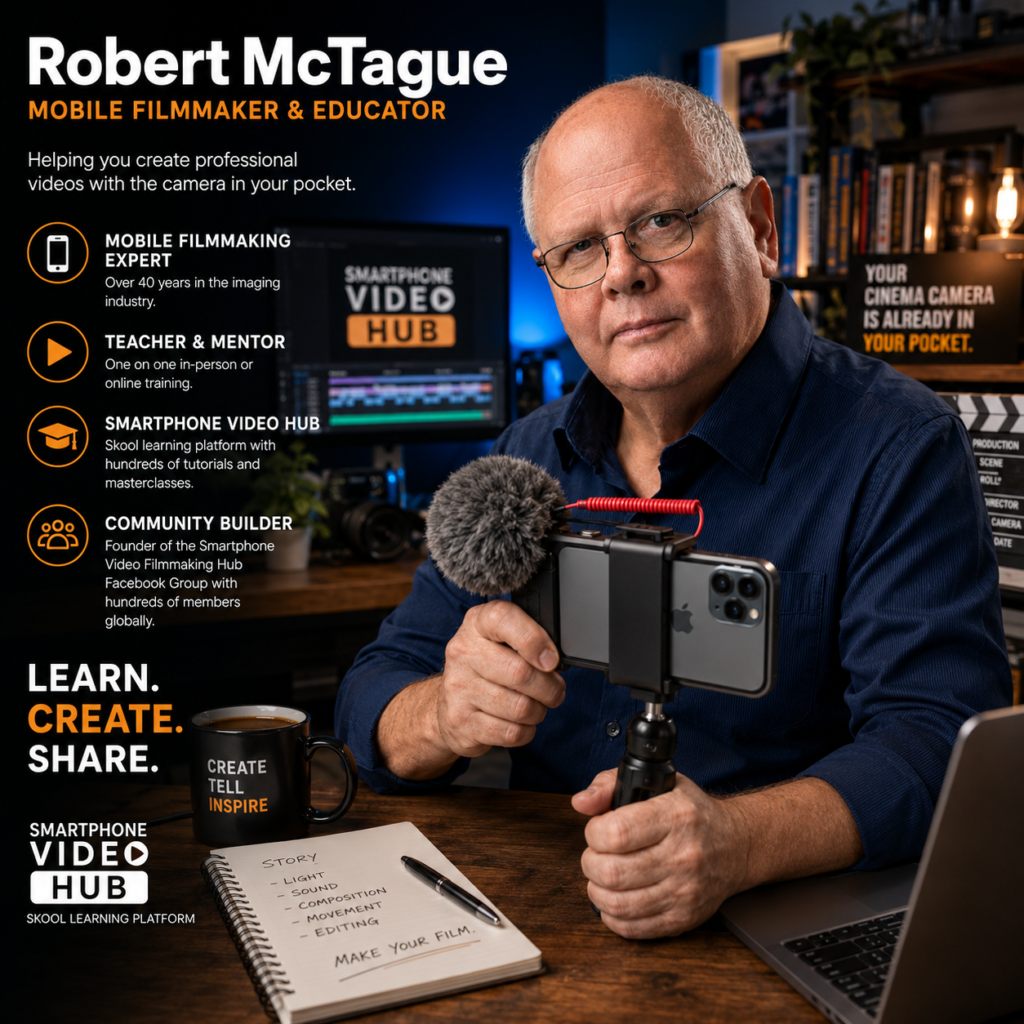
Rob is your instructor, with over 40 years expierence in the imaging and industry, and many years using moble technology and teaching Samrtphone Video / Filmmaking to students around the world remotely. As well as creating professional video content, Rob and his colleague founded Smartphone Video / Filmmaking Hub Facebook Group with hundreds of members worldwide.
Smartphone video has transformed the way we communicate, share stories, and promote ideas. Whether you’re a small business owner, content creator, educator, traveller, community volunteer, or simply someone who enjoys capturing life’s special moments, learning to create high-quality videos is one of the most valuable skills you can develop today.
At GCTV Media, we offer two personalised online one-on-one courses designed to help you succeed. Our 90-Minute Smartphone Video Introduction is the perfect starting point, providing a practical overview of filming with your smartphone and an introduction to the Blackmagic Camera App.
For those ready to take their skills further, our 6-Week Smartphone Video Filmmaking Course offers comprehensive, hands-on coaching covering professional camera techniques, storytelling, audio, lighting, editing, colour grading, and complete video production. Investing in your smartphone video skills is an investment in yourself.
The knowledge you gain can enhance your career, grow your business, strengthen your social media presence, support community projects, preserve family memories, and unlock new creative opportunities.
Best of all, these are practical skills you’ll continue to use and benefit from for years to come, every time you pick up your smartphone.
Smartphone Video Introductory 90min Course Information
Learning Outcomes
By the end of this course you will be able to:
- Understand what makes a good video.
- Configure your smartphone camera for better video quality.
- Improve composition and framing.
- Record smoother, more stable footage.
- Capture cleaner audio.
- Use natural and artificial light effectively.
- Understand the basic video production workflow.
- Know the next steps to continue improving your filmmaking skills.
What You’ll Need
- Smartphone capable of recording HD or 4K video
- Fully charged battery
- Internet connection
- Zoom
- Headphones (recommended)
- Notebook for taking notes
Included
Students receive:
- PDF course notes
- PDFWorkbook
- Recommended smartphone settings
- Equipment recommendations
- Practice exercises
- Links to useful apps and learning resources
Smartphone Video Filmmaking Course
6-Week Live Online One-on-One Training Programme
Course Overview
Transform your smartphone into a professional filmmaking tool.
This comprehensive six-week course is designed for beginners and intermediate creators who want to produce professional-quality videos using their smartphone. Through six live, personalised 90-minute online sessions, you’ll learn the complete filmmaking workflow—from camera setup and filming techniques to editing, colour grading, and publishing.
Every lesson is tailored to your experience level, your smartphone (iPhone or Android), and the types of videos you want to create. You’ll receive live instruction, guided practical exercises, individual coaching, and constructive feedback throughout the course.
Whether you’re creating videos for business, YouTube, social media, travel, documentaries, education, or personal projects, this course will provide the knowledge and confidence to produce engaging, cinematic videos.
Course Learning Outcomes
By the end of this course you will be able to:
- Confidently operate your smartphone as a professional video camera.
- Use the Blackmagic Camera App in both Auto and Manual modes.
- Understand exposure, shutter speed, ISO, white balance, and focus.
- Capture smooth, stable, well-composed footage.
- Record professional-quality audio.
- Use lighting creatively to improve image quality.
- Tell compelling visual stories.
- Film interviews, B-roll, promotional videos, and social media content.
- Edit and colour-grade your videos.
- Export videos for YouTube, Facebook, Instagram, TikTok, and business use.
- Complete a polished video project from planning to delivery.
Weekly Course Structure
Each 90-minute session includes:
- Review of previous week’s assignment
- New lesson and live demonstrations
- Practical filming exercises
- Questions and answers
- Weekly assignment